 Ophiolite
Product / Workspace
Workspace
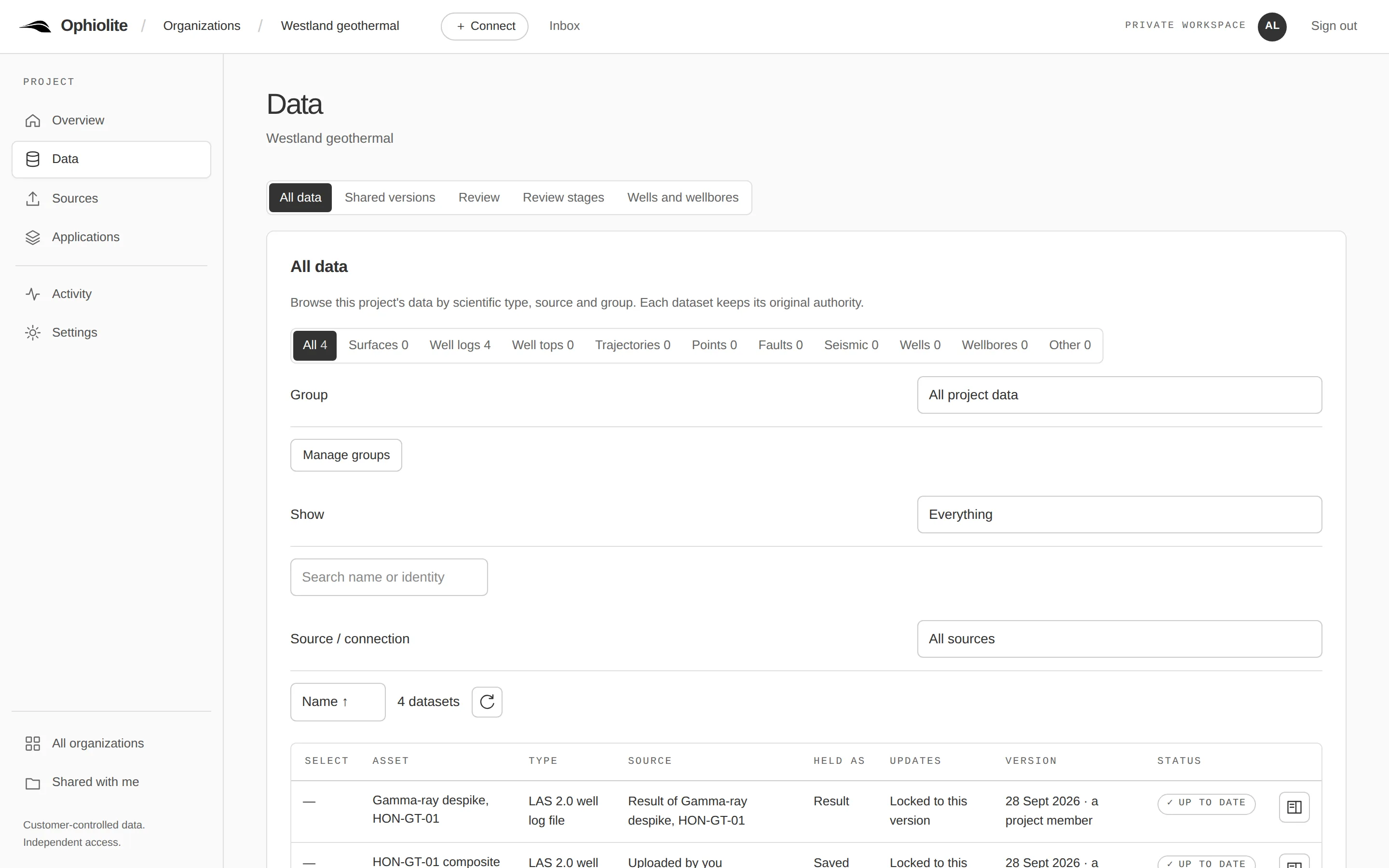
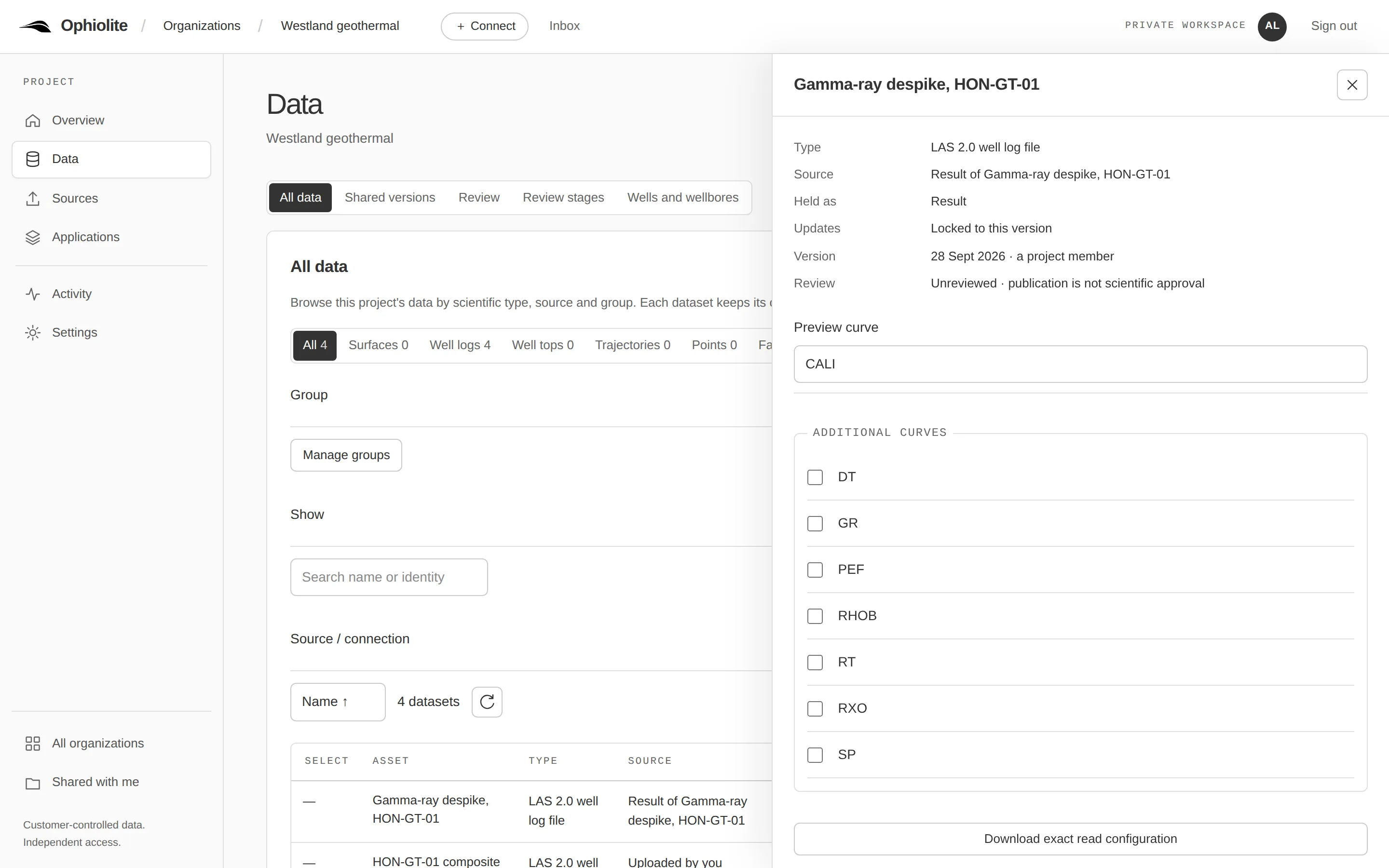
Inspect well logs, compare an original with a result, and review work in the browser — in plain language, with the engineering detail one click away.
For scientists and reviewers who need to see exactly what they are working with.
- Available Inspect well logs in the browser
- Available Screens in plain language
Key features
- Log tracks
- View a curve on its depth axis, with missing values shown as missing.
- Compare
- Put the original and a result side by side and see what changed.
- Change summary
- Every published result states what it changed and from which version.
- Stages
- Request review, approve, return or withdraw one exact version.
- Activity
- Who published, shared or changed what, recorded by the server.
- Technical details
- Identifiers, hashes and settings stay behind one disclosure per item.
How it works
- Open a project and choose a well log.
- The Workspace reads the exact version you picked through the same API as Python.
- Compare it with a result; the difference is computed from the stored values, not re-derived.
Technical details
The Workspace is an ordinary client of the public API (OAuth in the browser). It never shows server identifiers in its default layer; a vocabulary gate in its test suite fails the build when one appears.
Use cases
Not yet, and not planned
No stated limits for these capabilities today.
Not planned: suite-wide petrel or techlog replacement; a general application builder or marketplace; universal format conversion.